

Sample Company Profile Page
How to create your homepage - ATN Gold Membership
Company Page Customer Banner
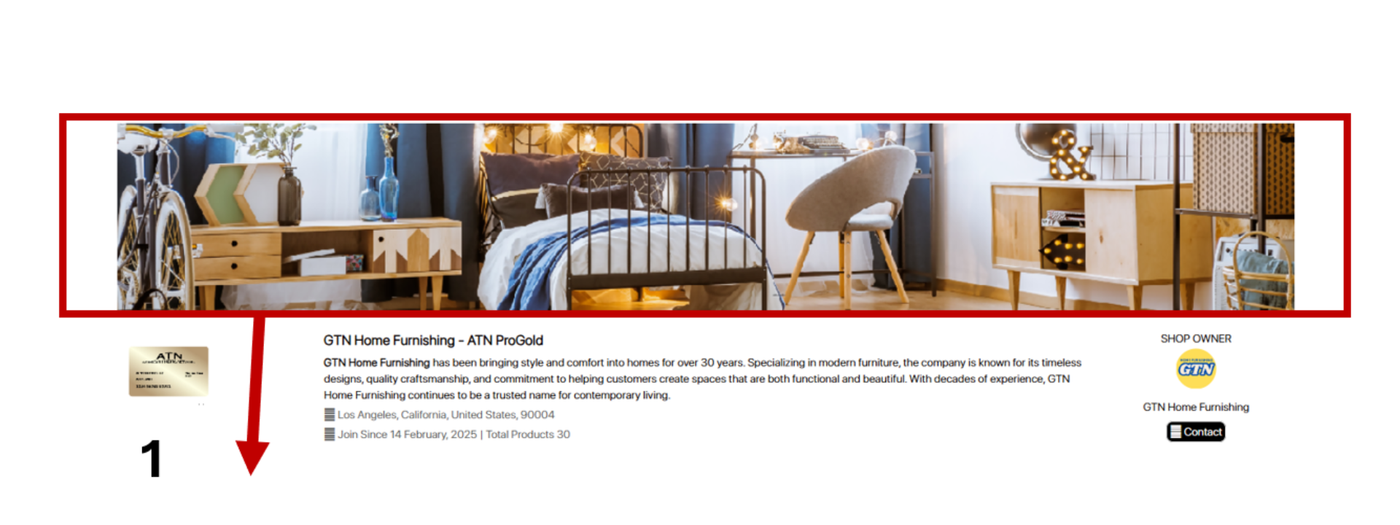
Company Page Custom Banner (NOTE: Automatically added when you fill out product form on portal)
Upload your custom banner here to highlight your products, team, and company culture—creating a strong first impression and leaving a memorable impact on visitors.
View Profile with ATN
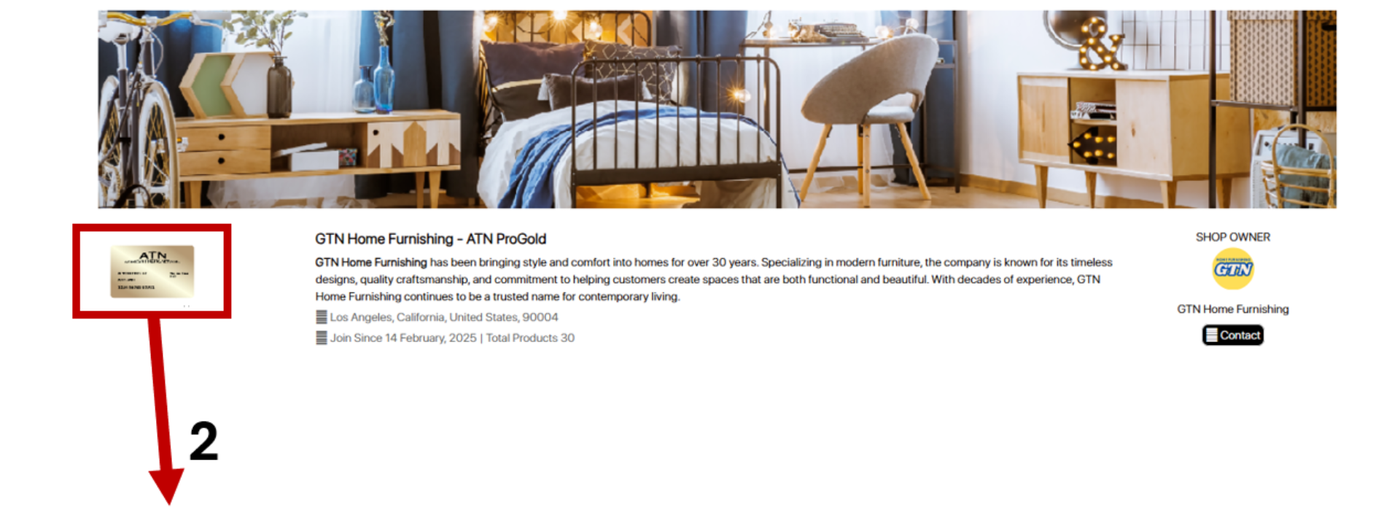
Your Profile with ATN (NOTE: ATN will upload this one to show which tier this seller is).
Visitors can view your profile based on your ATN membership level. You can upgrade your membership at any time.
Company Logo
Company Logo (NOTE: Automatically added when you fill out product form on portal). Upload your company logo here to help visitors recognize your brand easily.
About the Company
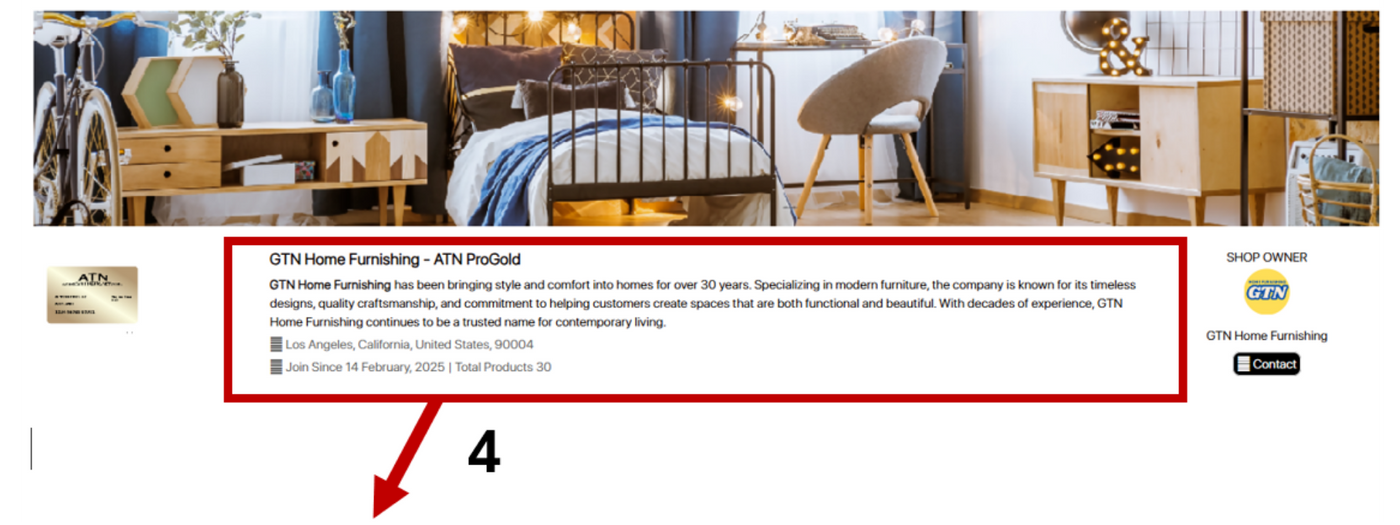
About the Company (NOTE: Automatically added when you fill out product form on portal)
Enter your company name and a brief paragraph to share your story, mission, and values—giving visitors an inside look at what makes your business unique and trustworthy.
Direct Contact Button
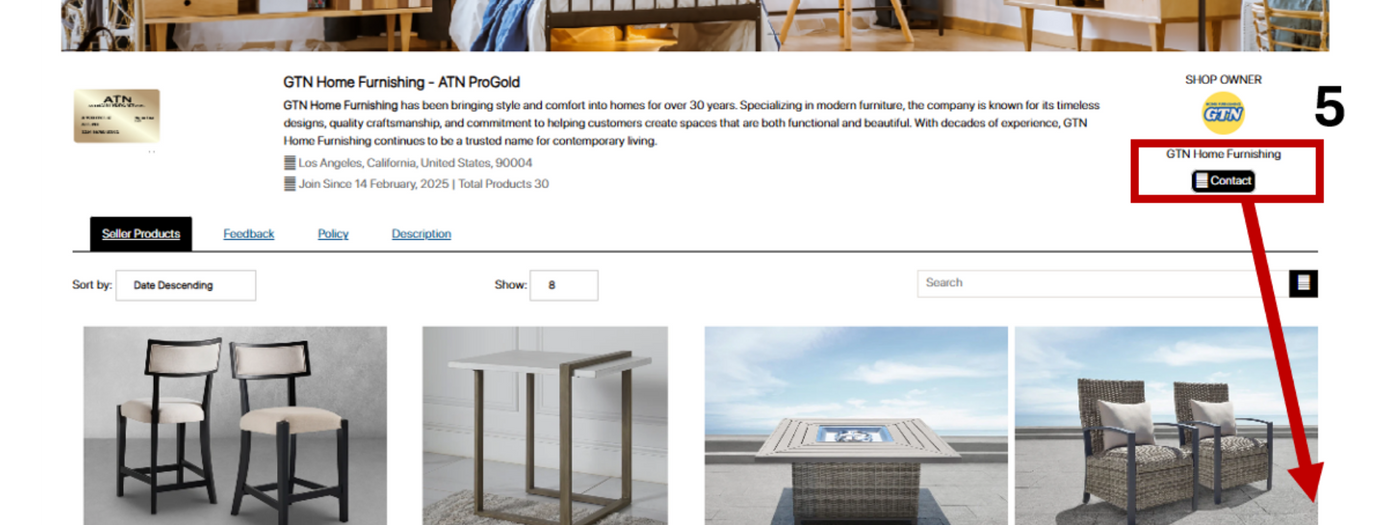
Direct Contact Button (Email Seller Directly) (NOTE: Automatically added when you fill out product form on portal)
The Contact Button lets customers email you directly with a single click—making it fast and easy for potential buyers to get in touch.
Seller Product Listing
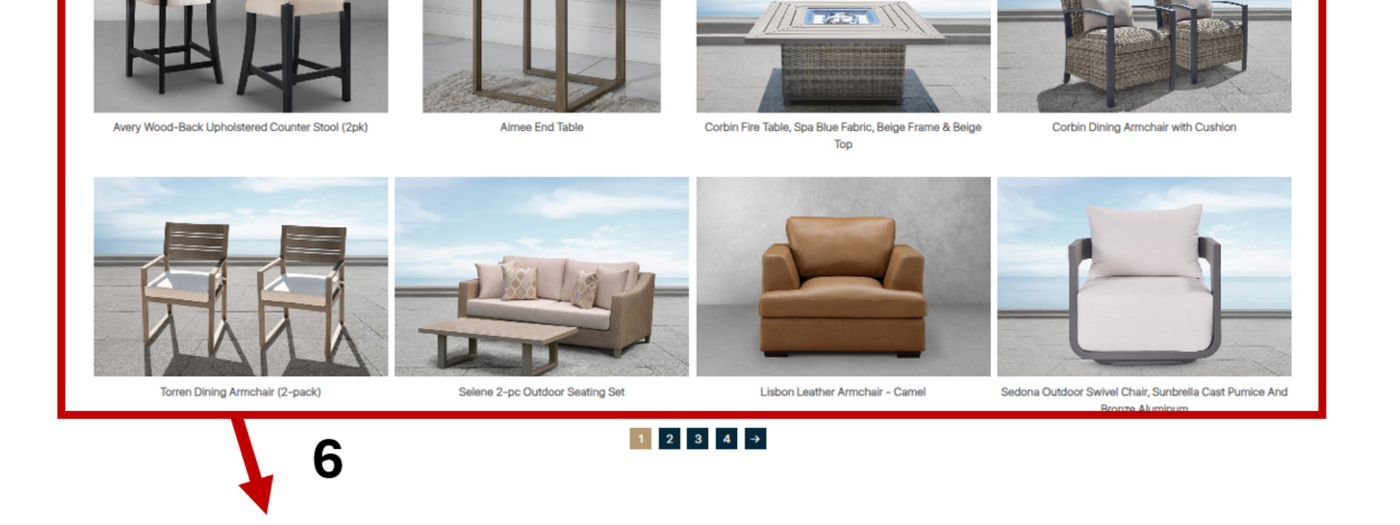
Seller Product Listing (NOTE: Automatically added when you fill out product form on portal. You can also choose hover function by adding -1 to the image title. For example, chair.jpg and if you want 2nd image hover, you need to make the second image title chair-1.jpg
Upload your products to highlight your offerings and make it easy for visitors to browse and discover what you provide. The more products you list, the higher the chances of attracting potential buyers.
Sample Product Page
How to create your Product Page - ATN Gold Membership
Product Name and Price
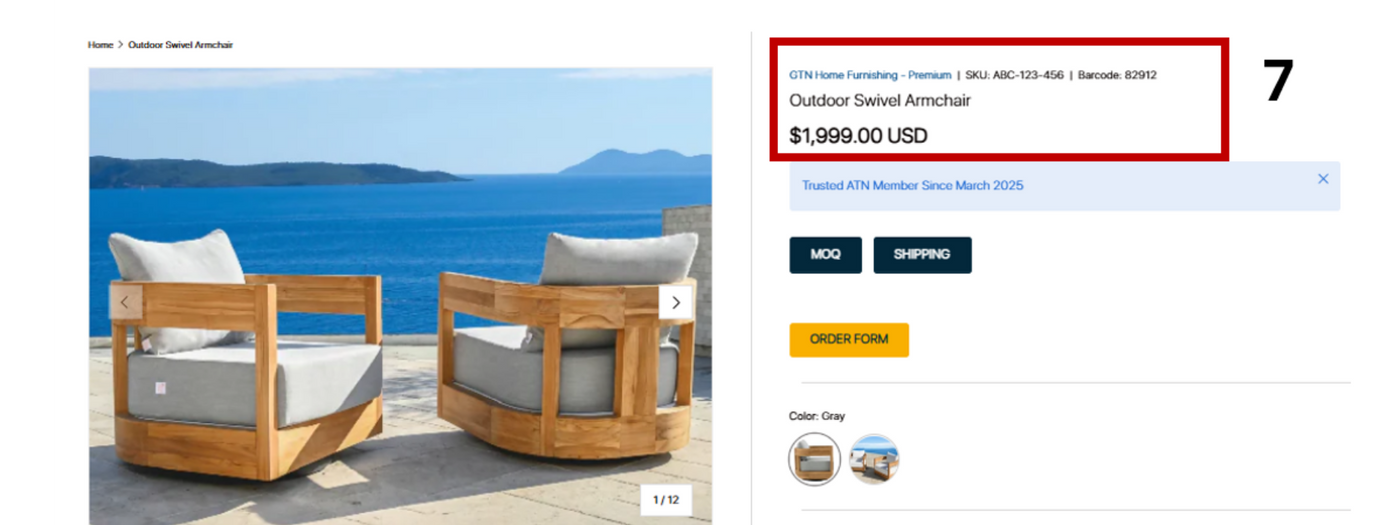
Product Name and Price (NOTE: Automatically added when you fill out product form on portal)
Provide the product name and price to help visitors quickly identify and assess your offerings.
Product Photos
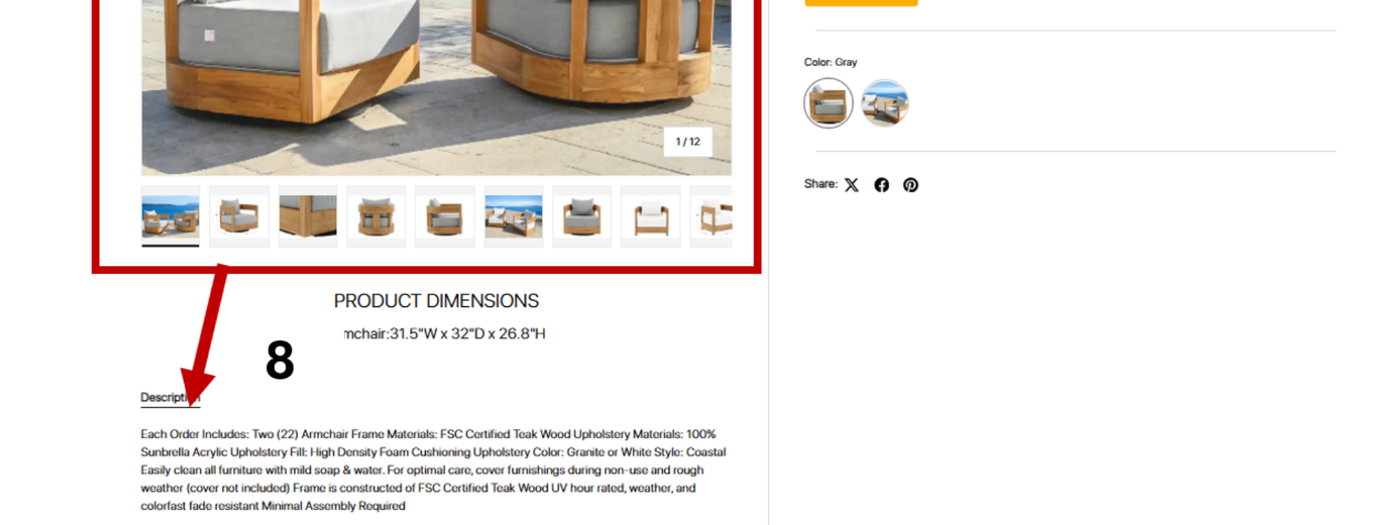
Product Photos: (NOTE: Automatically added when you fill out product form on portal)
Upload multiple product photos to showcase every detail—angles, colors, and sizes. High-quality visuals help customers understand your product and make informed, confident purchases.
Highlight Message (Upsell Text in Bold/Color)
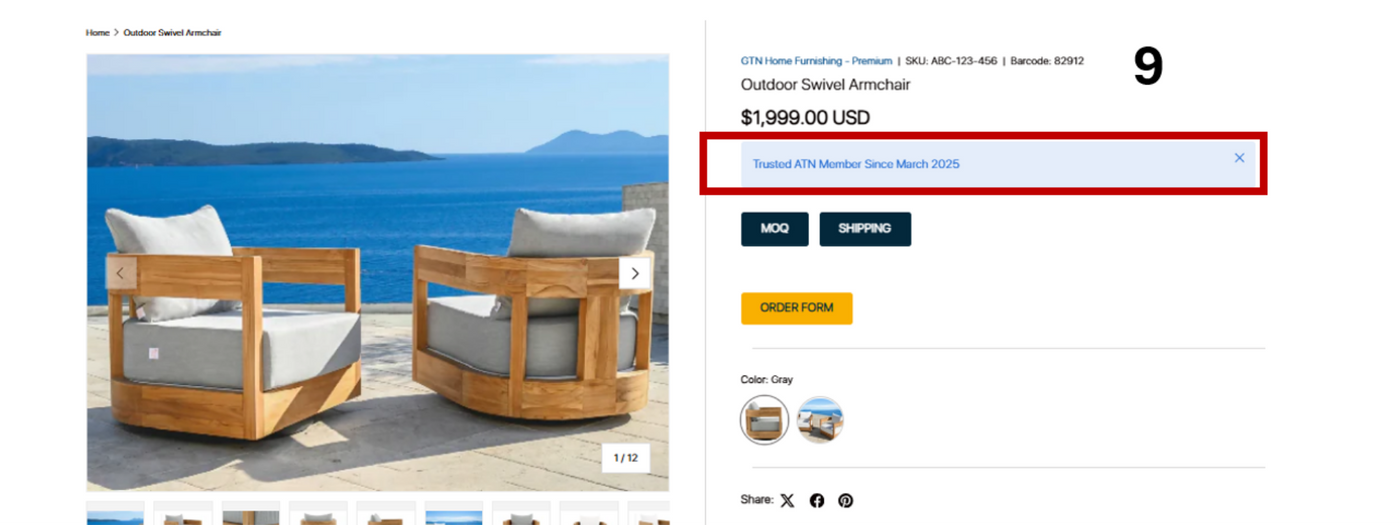
Highlight Message (Upsell Text in Bold/Color): (NOTE: Need to request to ATN via form.)
Use the Highlight Message feature to showcase special offers, promotions, key product benefits, or any important info in bold, eye-catching text.
Variant Swatch (Color Display)
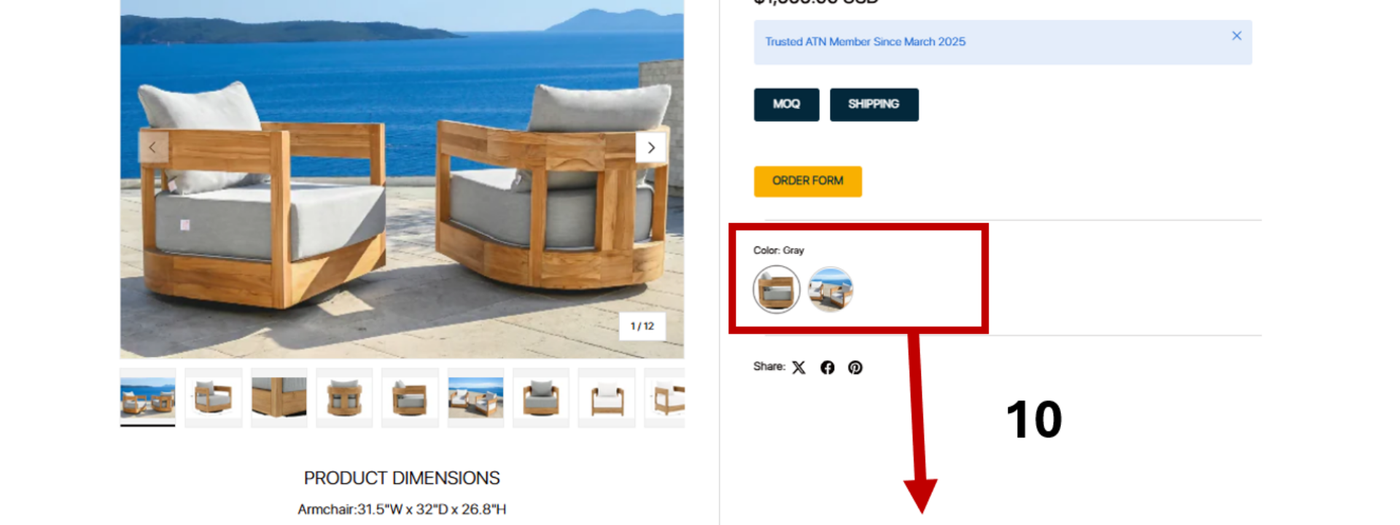
Variant Swatch (Color Display): (Note: Automatically added when you fill out product form on portal. If requires more than 1 variant type (colors, size, bundle, etc.), you need to request to ATN.)
Showcase different product color options with Variant Swatches. Customers can easily choose their preferred color.
Product Details
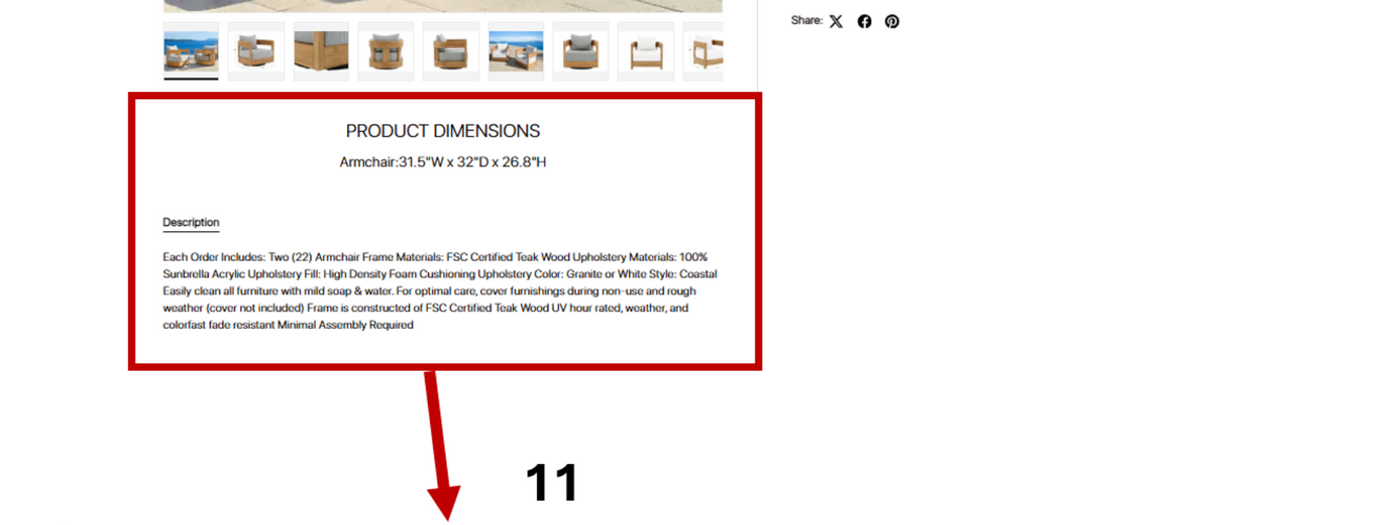
Product Details: (Note: PRODUCT DIMENSION section can be replaced by any text they want such as material, quality, dimension, weight, etc. This needs to be requested to ATN; Product Description section is automatically added when you fill out product form on portal)
Upload your product details, including dimensions and descriptions here. The more complete the information, the easier it is for customers to understand your product and make confident purchasing decisions.
MOQ & Shipping Details
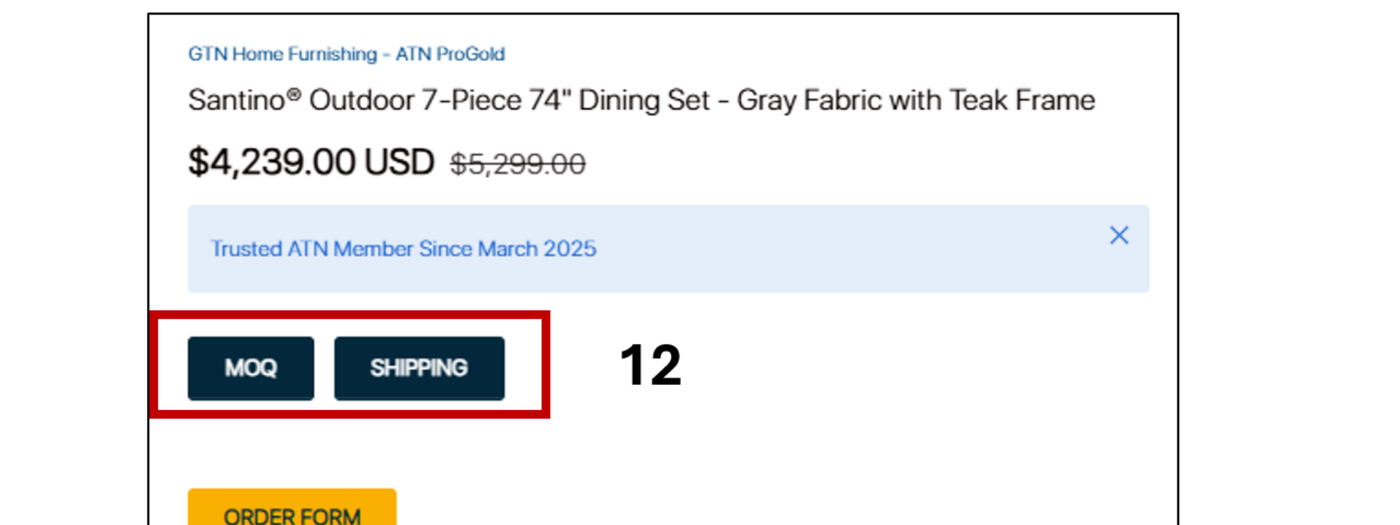
MOQ & Shipping Details: (NOTE: Need to request to ATN via form.)
Provide your Minimum Order Quantity (MOQ) and shipping information so customers can understand order requirements and delivery options.
Order Form
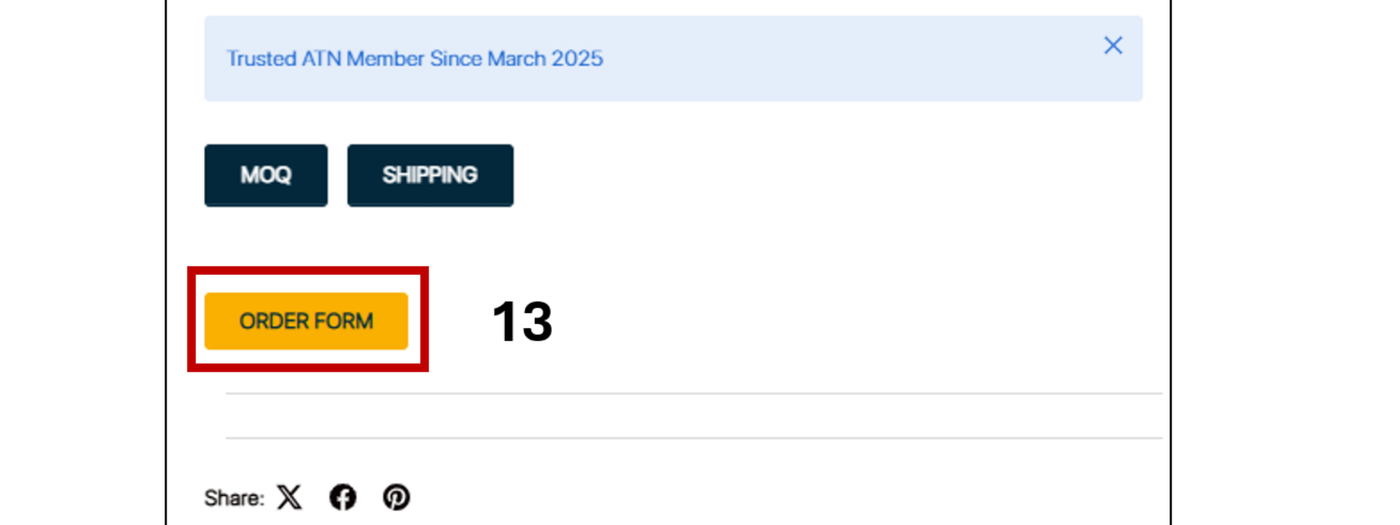
Order Form: (NOTE: Need to request to ATN via form.)
Once customers decide to buy, they can provide their name, address, contact information, and the product details (name, SKU, and quantity). You will receive their order as soon as they click Submit."
Social Media Share Widgets
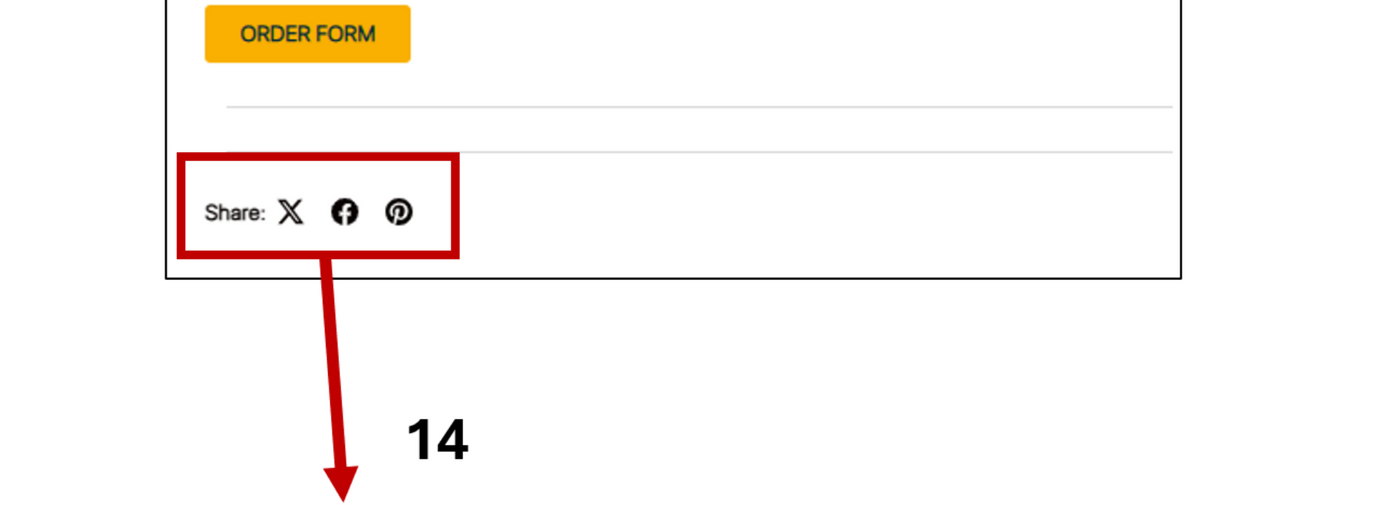
Social Media Share Widgets: (NOTE: Need to request to ATN via form.)
With Social Media Share Widgets, easily share your products on popular platforms. Boost visibility, reach more customers, and encourage engagement with just a few clicks.
Info Icons (Seller Highlights with Custom Icons):
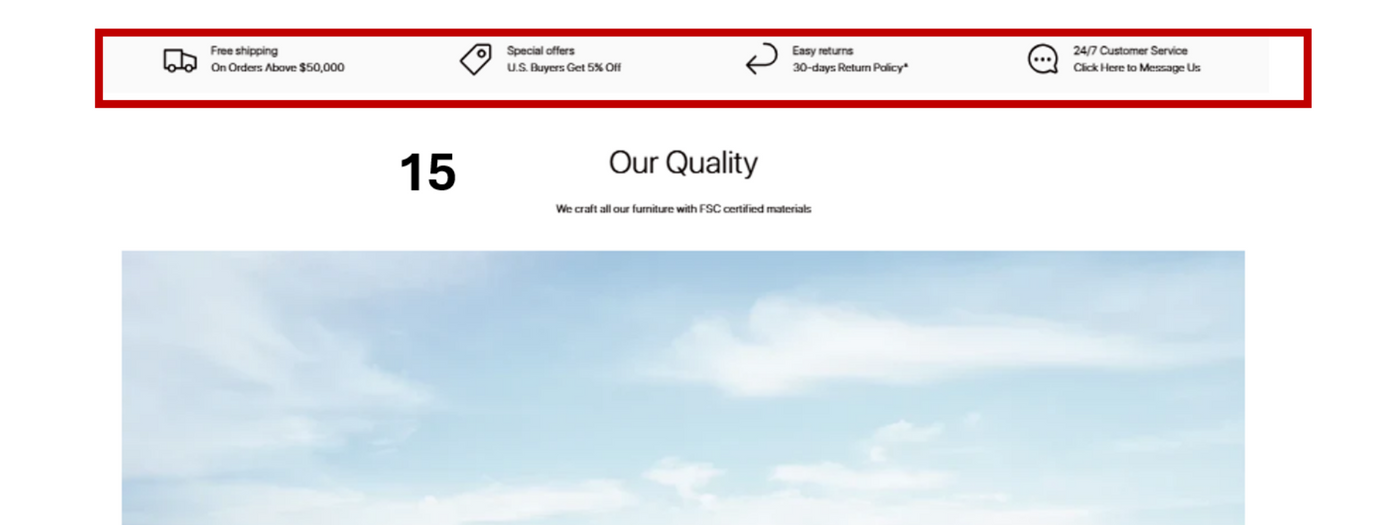
Info Icons (Seller Highlights with Custom Icons): (NOTE: Need to request to ATN via form.)
Use Info Icons to highlight key features and benefits of your company or products, such as free shipping, special offers, easy returns, or 24/7 customer service—making it easier for customers to see what sets you apart.
Product Feature Banner
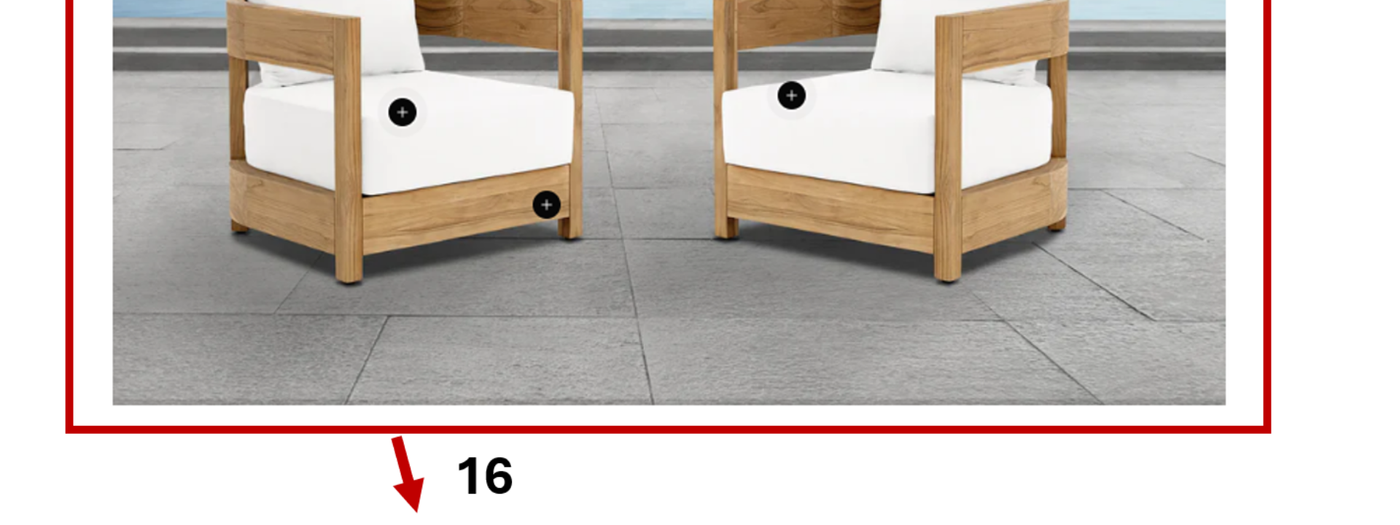
Product Feature Banner: (NOTE: Need to request to ATN via form.)
Use the Product Feature Banner to highlight key features of your product—such as material, size, or special attributes. This helps grab customers’ attention and showcase what makes your product unique.
Partner Logo
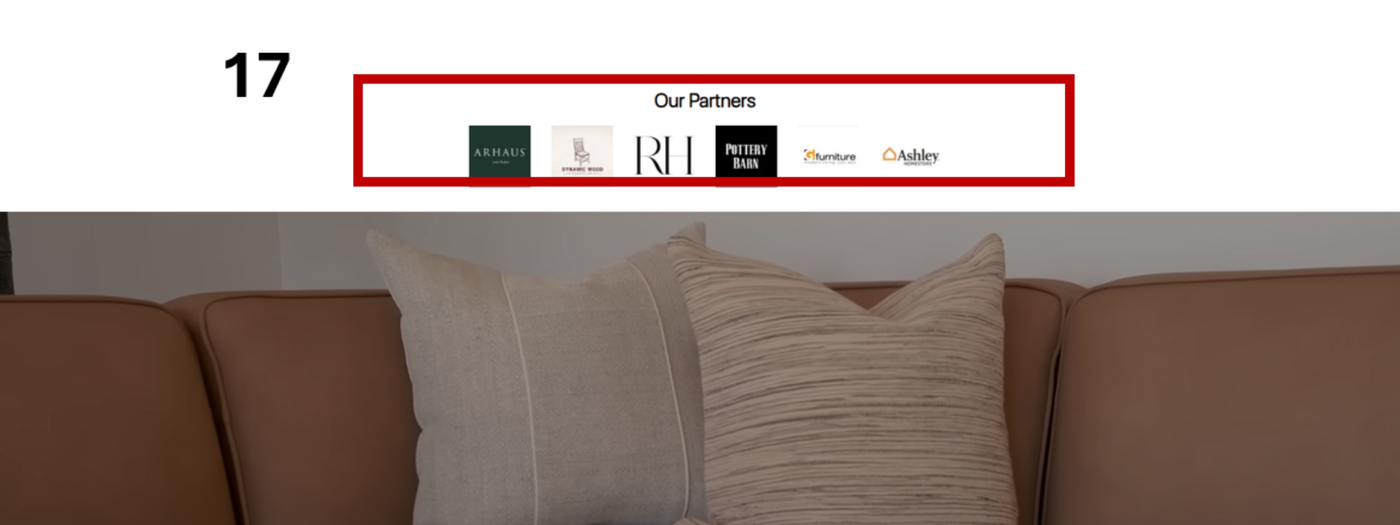
Partner Logo (NOTE: Need to request to ATN via form.)Upload your partner’s logo to showcase collaborations, trusted brands, or affiliations and build credibility with your customers.
Video Banner Integration
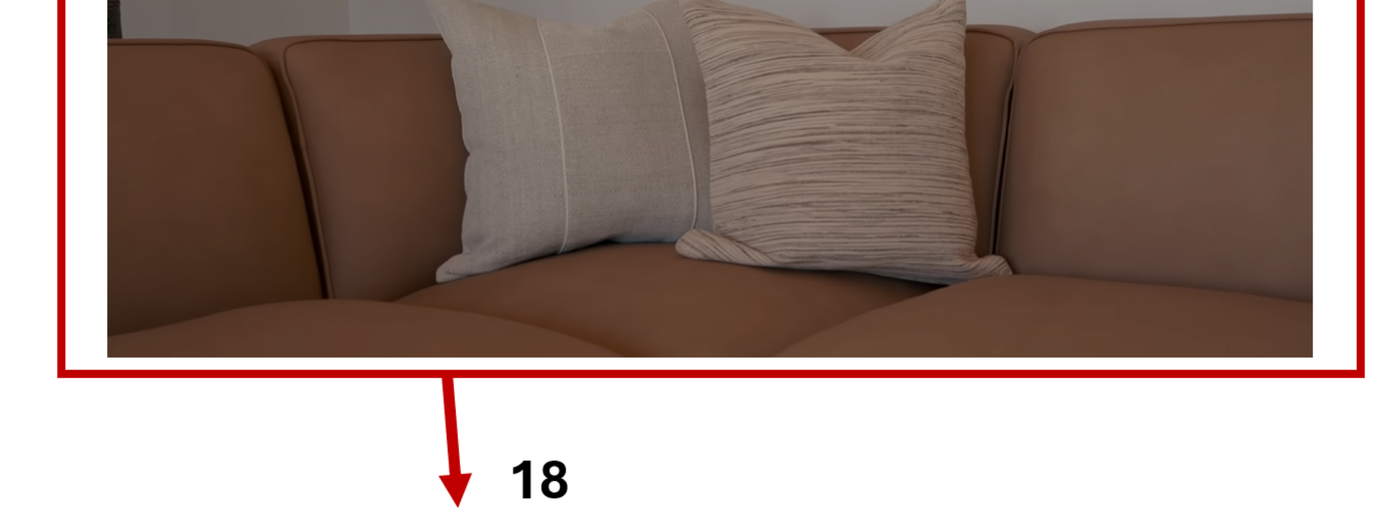
Video Banner Integration: (NOTE: Need to request to ATN via form.)
Use a Video Banner to make your page more engaging—more dynamic and appealing than a static picture!
Infographic Banner
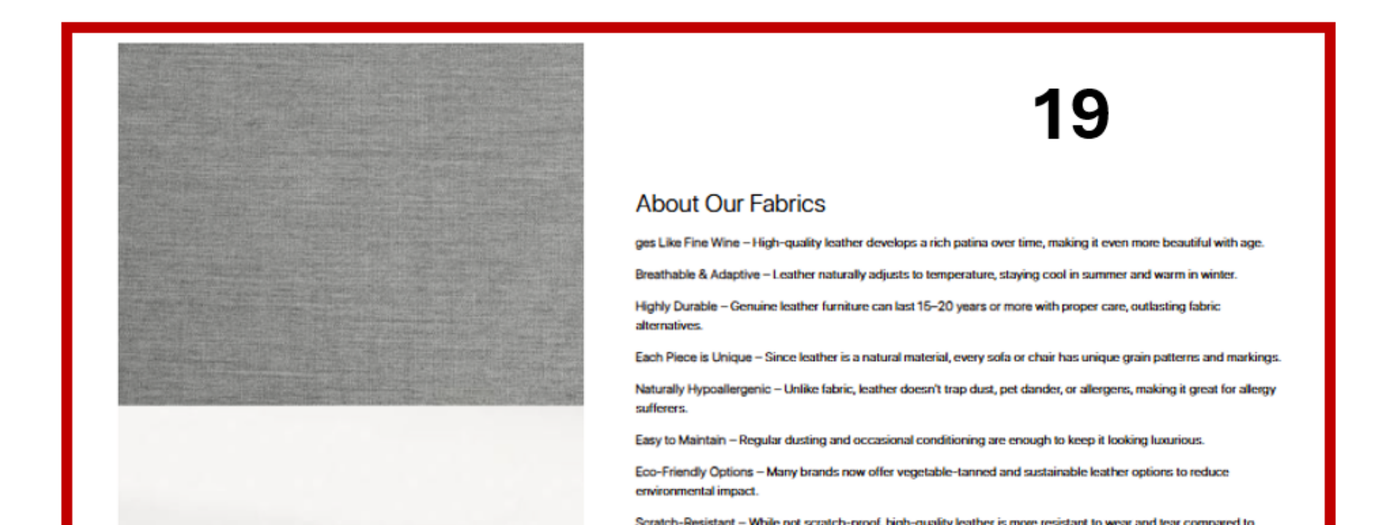
Infographic Banner: (NOTE: Need to request to ATN via form.)
Upload an image and text to highlight key info, product features, or important detail —make your message clear at a glance.
Collection Banner
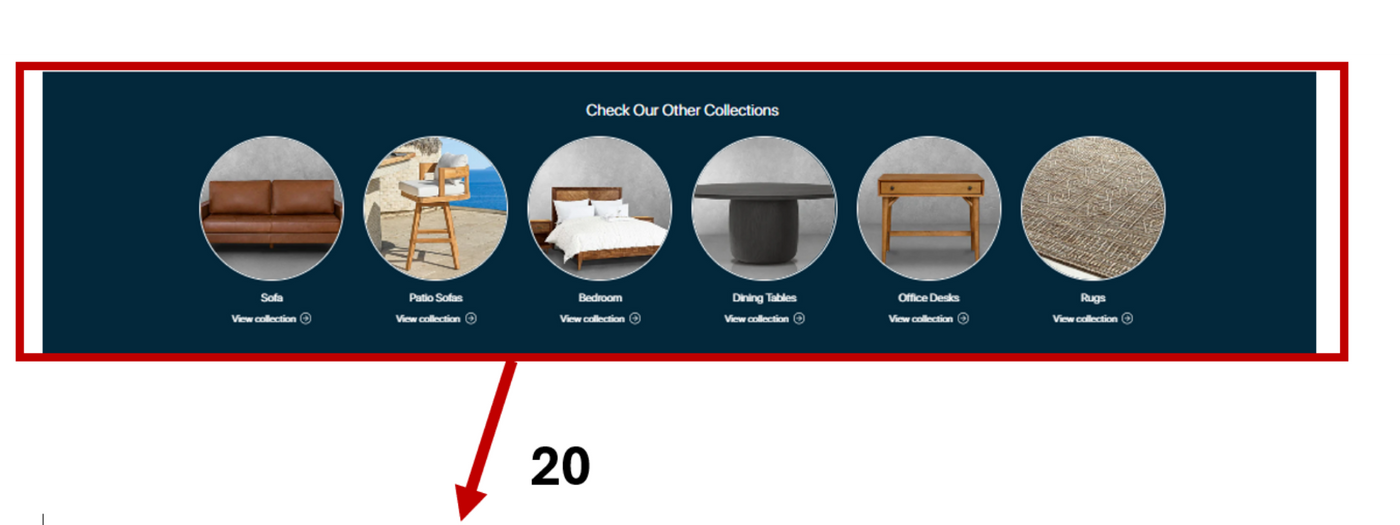
Collection Banner: (NOTE: Need to request to ATN via form.)
Use the Collection Banner to categorize and showcase groups of products, making it easier for customers to browse and find what they want.
Media Grid
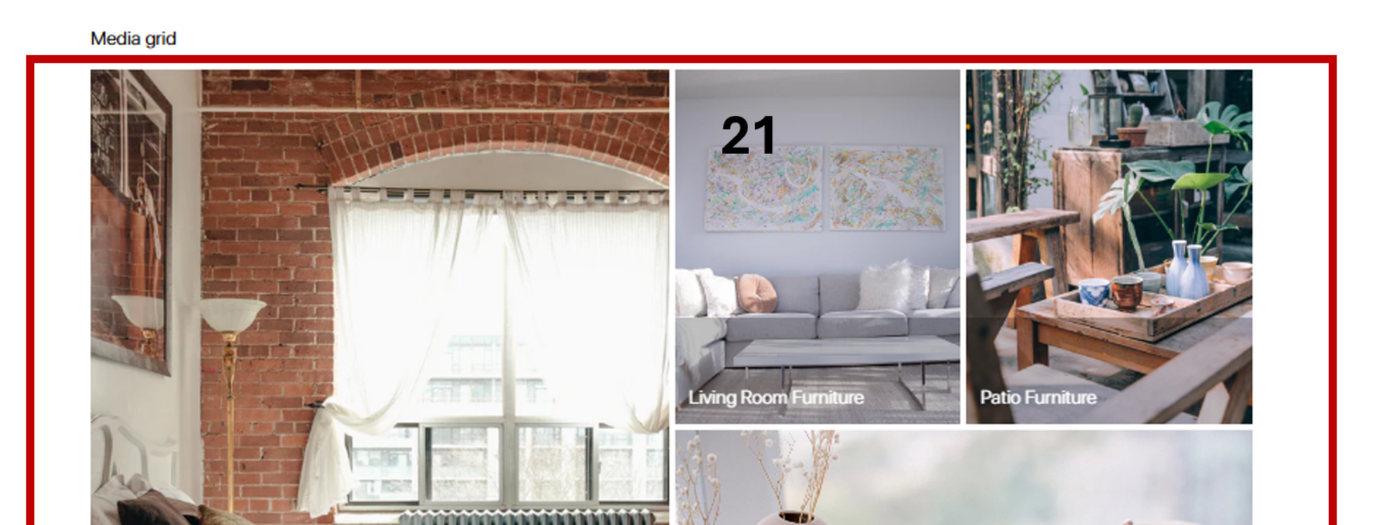
Media Grid: (NOTE: Need to request to ATN via form.)
Use the Media Grid to display multiple images in a clean, organized layout. Showcase your products or content visually to engage customers effectively.
Contact Info
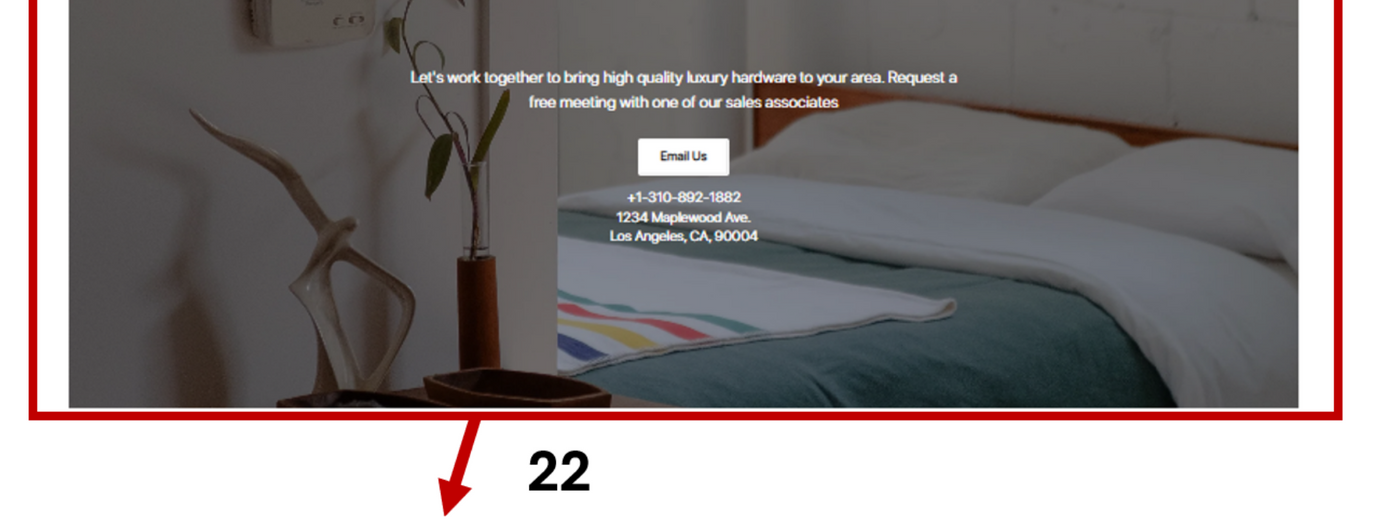
Contact Info: (NOTE: Need to request to ATN via form.)
Provide your contact information so customers can easily reach you with questions, inquiries, or support requests.